Get started with Leo
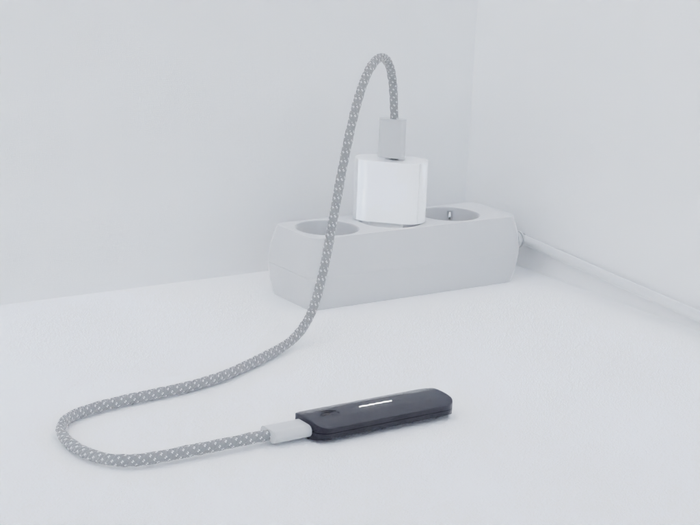
Step 1: Connect to charger
Connect Leo to any USB charging source. The LED bar will light up.
Step 2: Select your mode
Press the button to select your preferred mode. For everyday use, we recommend Smart Charging mode (white LED). Press once to activate.
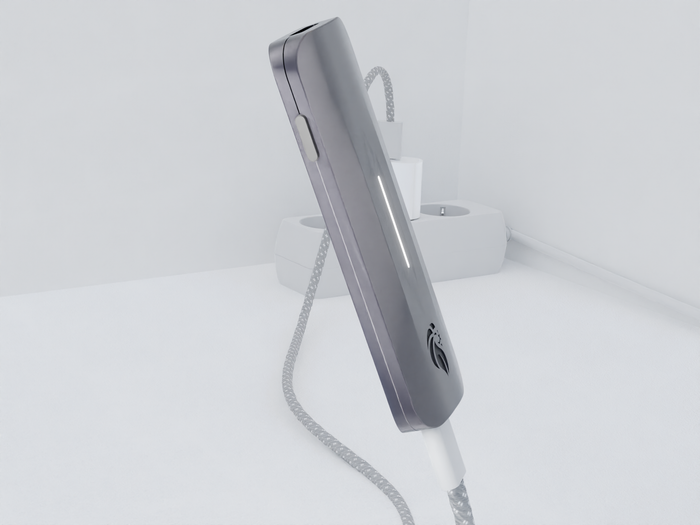
1x Smart Mode (White): Smart charging to ~90%
2x Ghost Mode (Blue): Charges normally to 100%
3x Safe Mode (Green): Blocks data transfer while charging
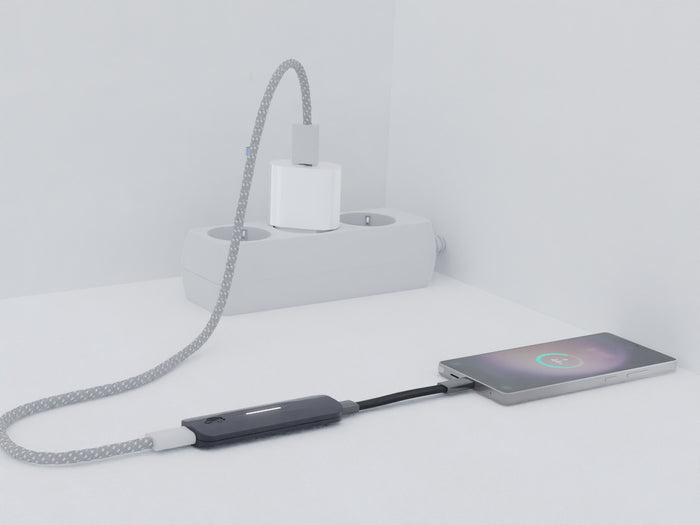
Step 3: Connect your device
Plug your battery-powered device into Leo to start charging.
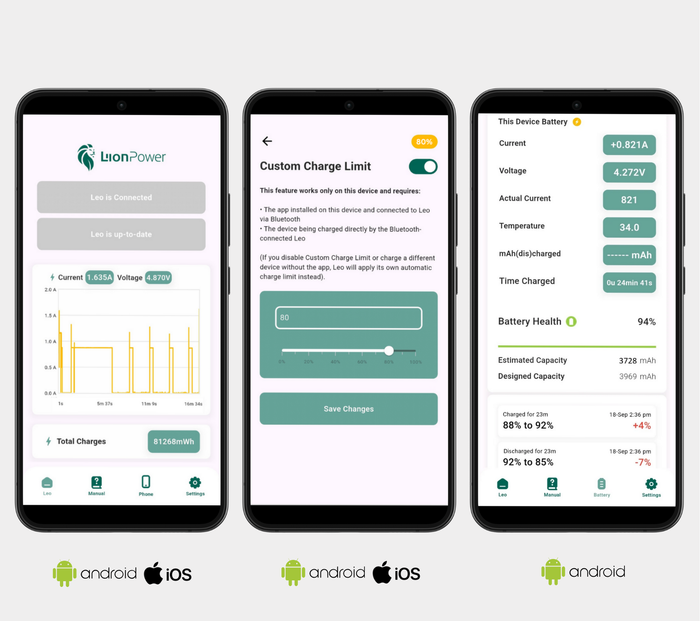
Download the Leo Connect App
Monitor battery analytics, manage charging modes, and keep Leo up to date.