
Leo: Der Batterielebensverlängerer
Einrichtung, Antworten, Fehlerbehebung, das Handbuch und die vollständigen technischen Daten.
Three steps

Schritt 1: Connect to a charger

Schritt 2: Select your mode

Schritt 3: Connect your device
The three modes
| Drücken | Modus | LED | Was er macht |
|---|---|---|---|
| 1× | Smart Mode | White | Smart charging, stops before full |
| 2× | Ghost Mode | Blue | Charges normally to 100% |
| 3× | Safe Mode | Green | Blocks data transfer while charging |
Leo Connect app
Download the Leo Connect app


Leo: häufige Fragen
Can I use Leo with different devices?
Do I need the app?
Can I turn the light off?
What's in the box?
Is it safe on public USB ports?
How long is the warranty?
Start here
Update Leo
Then follow the three steps in the manual
Common issues
Red light
My phone charged to 100% in Smart Mode. Is Leo working?
My device stops charging too early
Leo keeps restarting or stops charging after a while
Ghost Mode isn't charging as fast as expected
How do I set a custom charge limit?
I hear a soft ticking sound
Funktioniert es immer noch nicht?
Support kontaktierenLeo: Bedienungsanleitung

Leo: Bedienungsanleitung
Technische Daten
- Name
- Leo: Der Akkulaufzeit-Erweiterer
- Leistung
- max. 20 V / 5 A (100 W)
- Abmessungen
- 72 × 24 × 9 mm
- Anschlüsse
- USB-C
- Kompatibilität
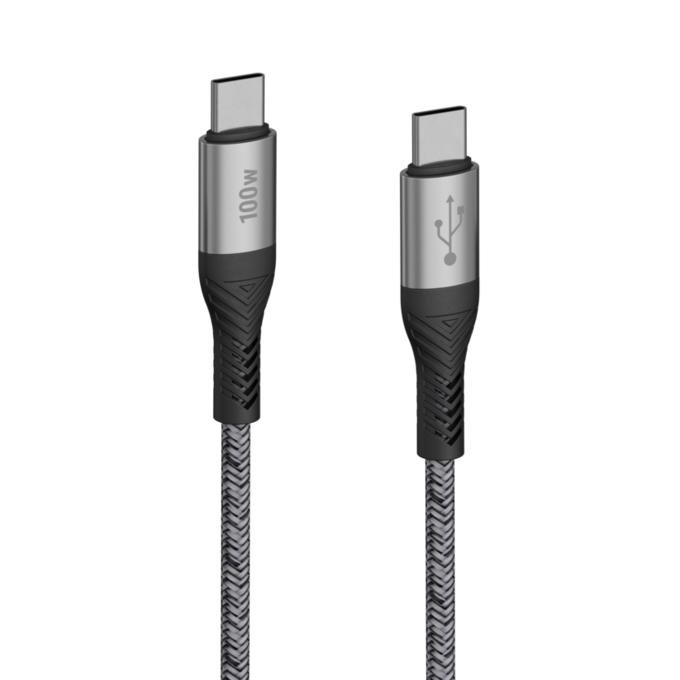
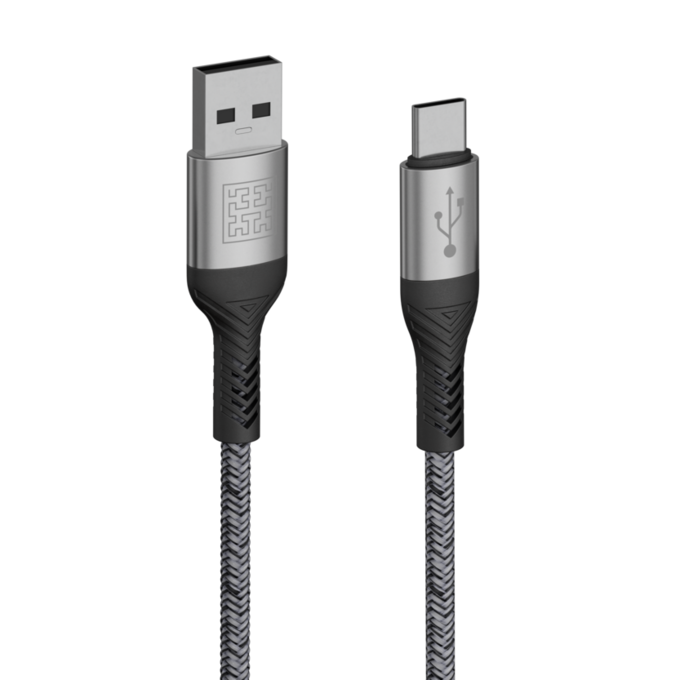
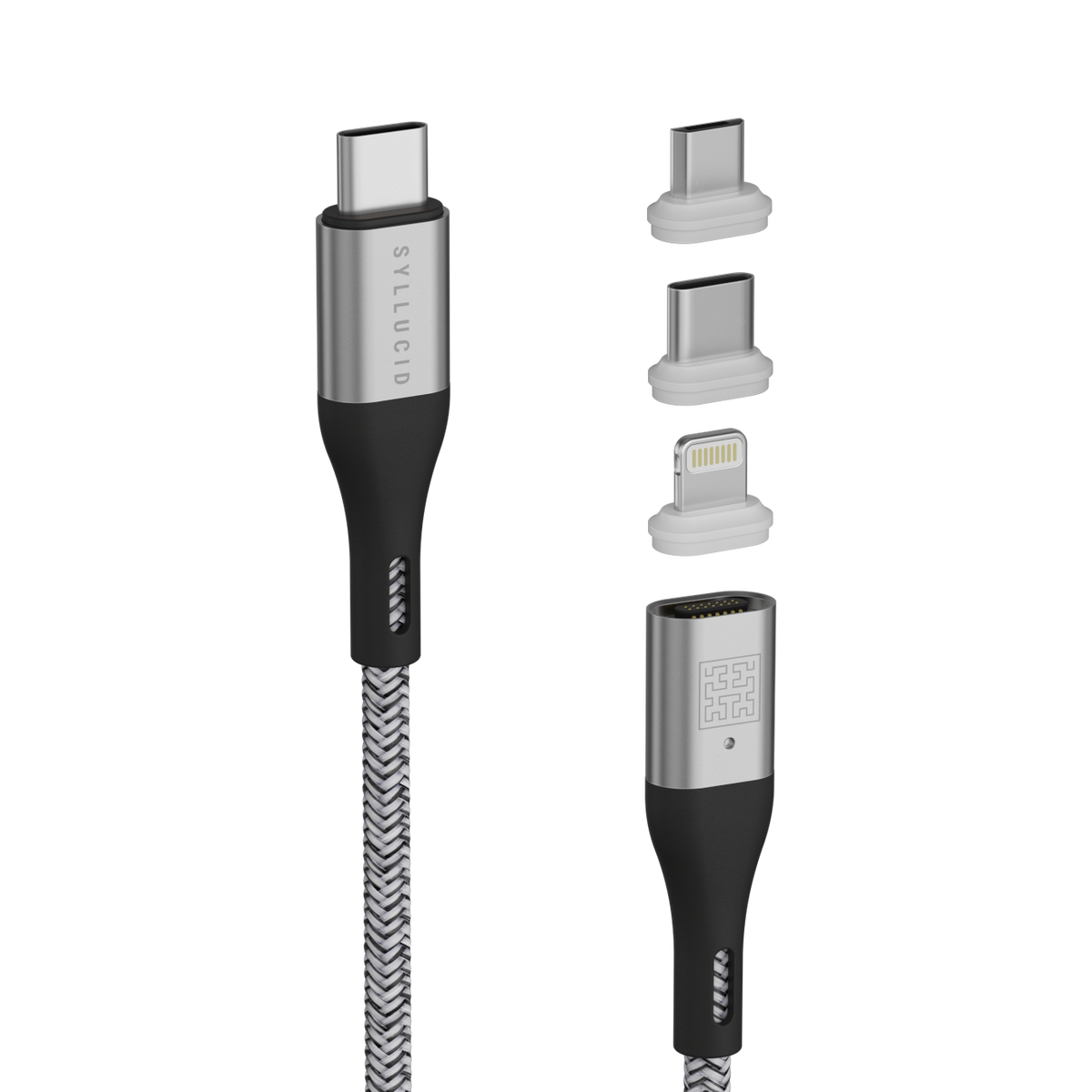
- alle USB-C-auf-USB-C-, Lightning- und Micro-USB-Kabel
- Ladeausrichtung
- beidseitig
- Material
- Polycarbonat
- Firmware
- Over-the-Air-Updates über die App
- Konnektivität
- Bluetooth
- Taste
- Smart- / Ghost- / Safe-Modus
- LEDs
- Lichtleiste zur Anzeige des Lademodus und des Status
- App
- Android und iOS
- Farbe
- Schwarz
Im Lieferumfang
In der Kiste
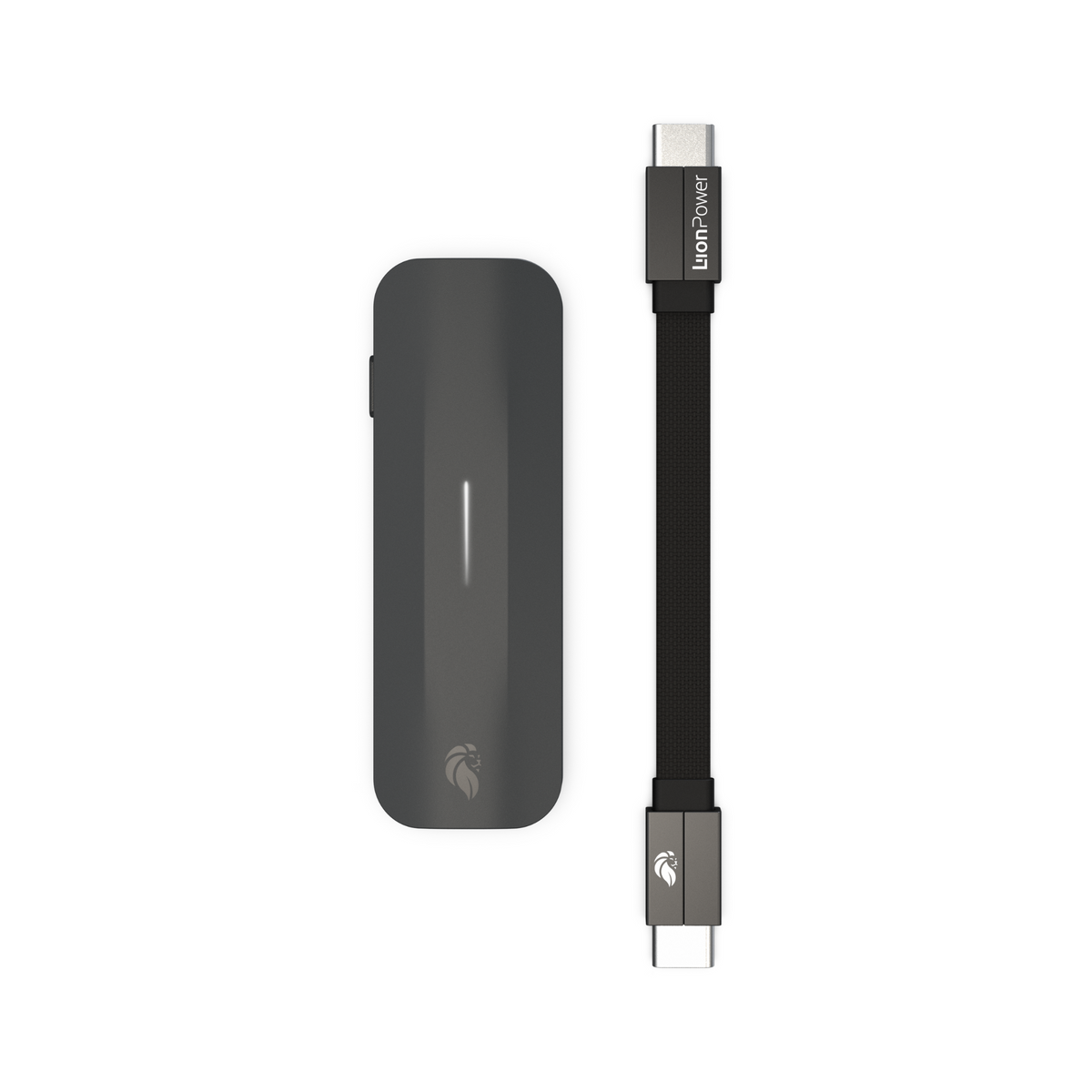
Leo Smart-Ladecontroller
USB-C-auf-USB-C-Kabel
Zertifizierungen & Garantie
CE · RoHS · FCC
2 Jahre Garantie